Integrating Salesforce with Copilot is becoming an essential step for organizations aiming to streamline workflows, automate client data management, and unlock the power of AI-driven CRM. By connecting these two platforms, businesses can centralize customer information, reduce manual tasks, and accelerate growth.
This guide walks you through the Salesforce–Copilot integration process with clear steps, Apex code examples, and best practices.
Prerequisites Before Integrating Salesforce with Copilot
Before you begin the integration, there are a few requirements that must be set up to ensure smooth connectivity between Salesforce and Copilot.
Overview:
- You must have a Copilot account.
- You need to generate an API key from Copilot.
- Add Copilot’s base URL to Salesforce Remote Site Settings for whitelisting.
- Use Copilot’s REST API (currently in beta) with Salesforce Apex HTTP for requests and data exchange.
Steps to create a Copilot Account
Step 1: First, visit to the Copilot website.
Step 2: Then, sign up to create a new account if you don’t have account.
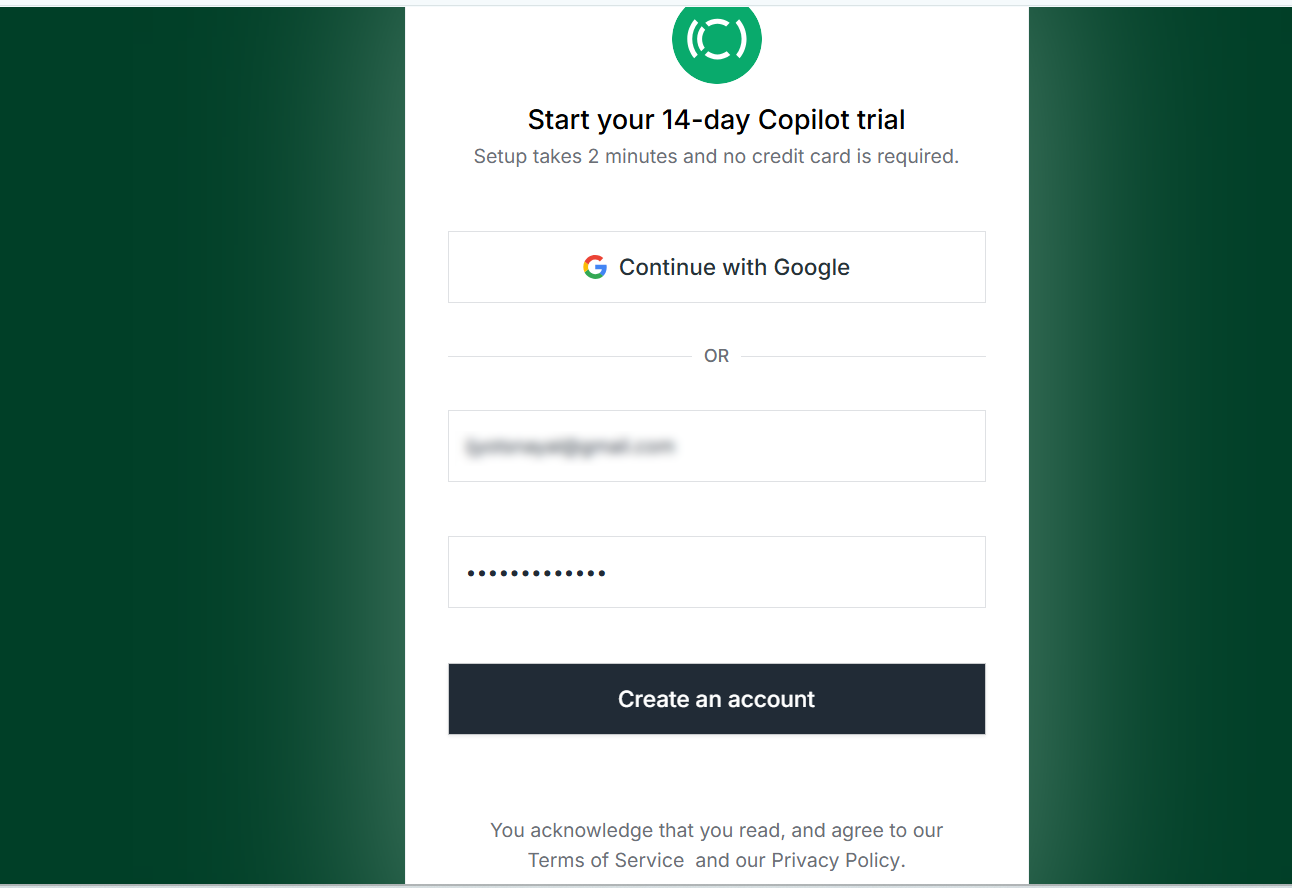
Step 3: Fill in the required details.
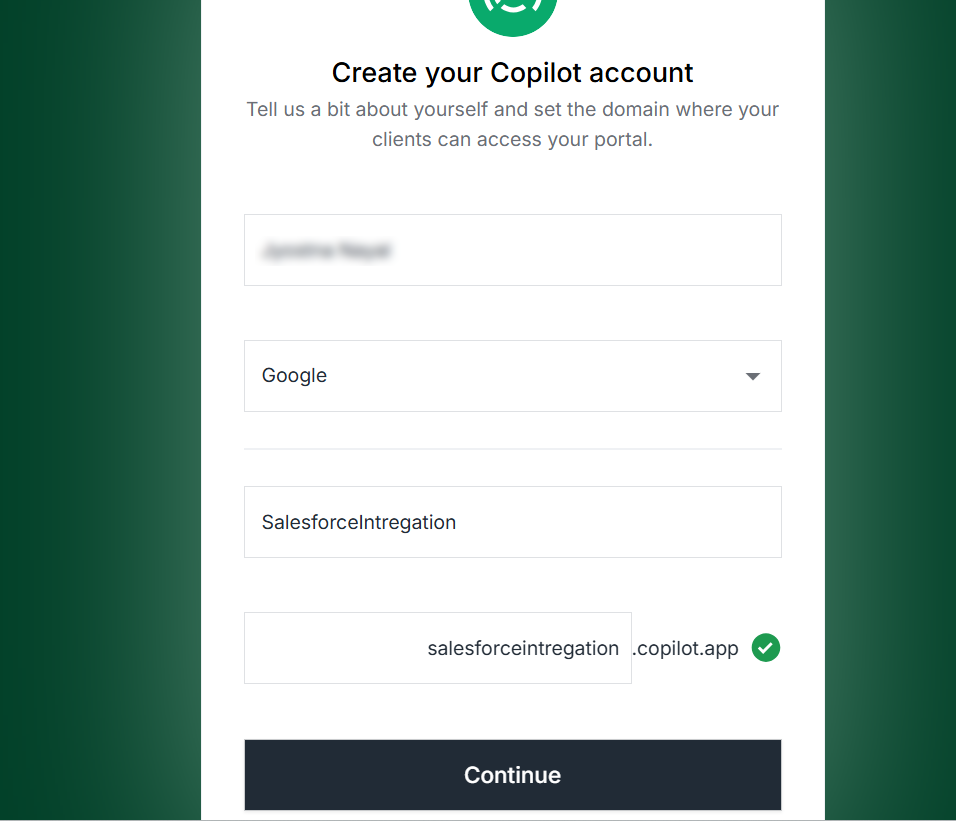
Step 4: Click on “Continue”. Your Copilot account will be created.
Now, the next step is to create the API key.
Step to create the API Key in Copilot
Step 1: Click on the “Settings” button.
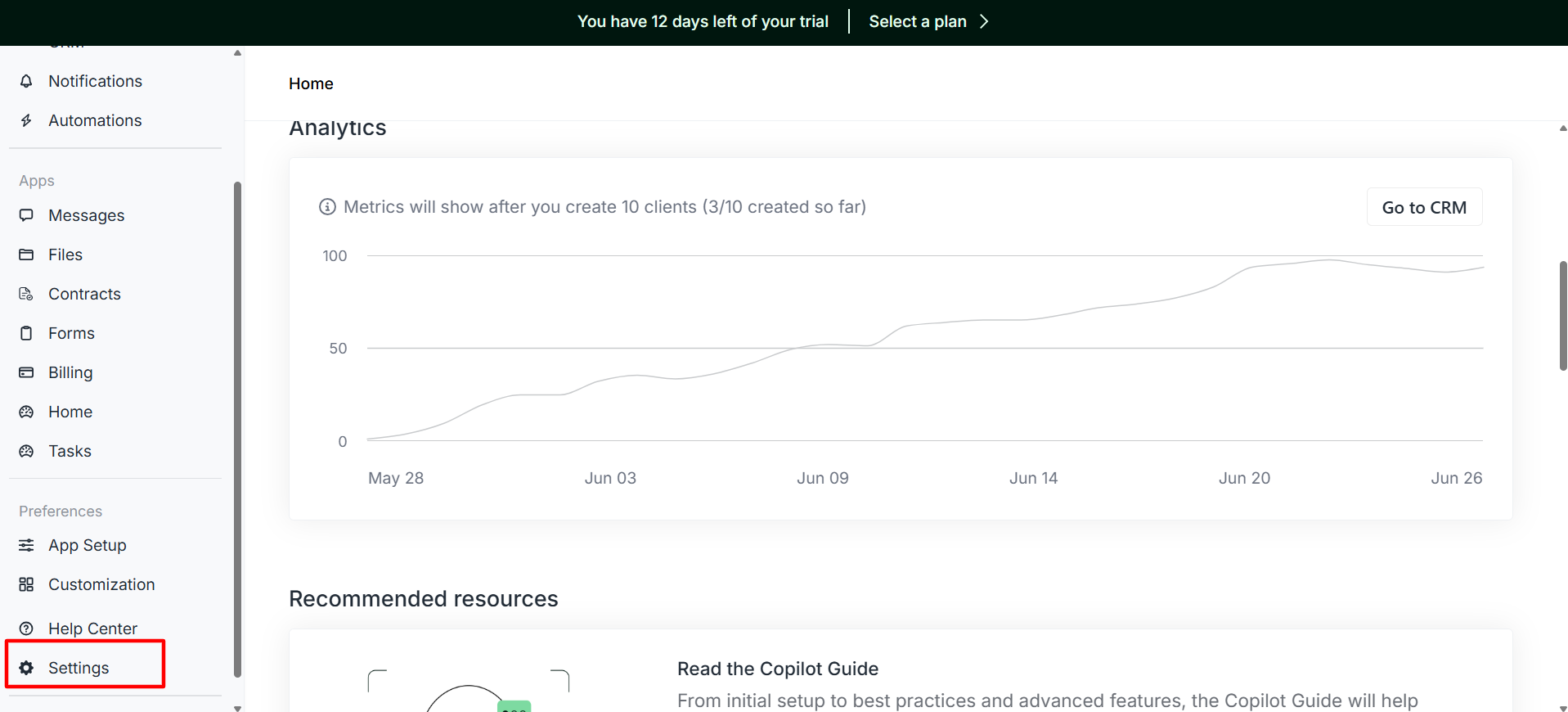
Step 2: Now, click on the API Button.
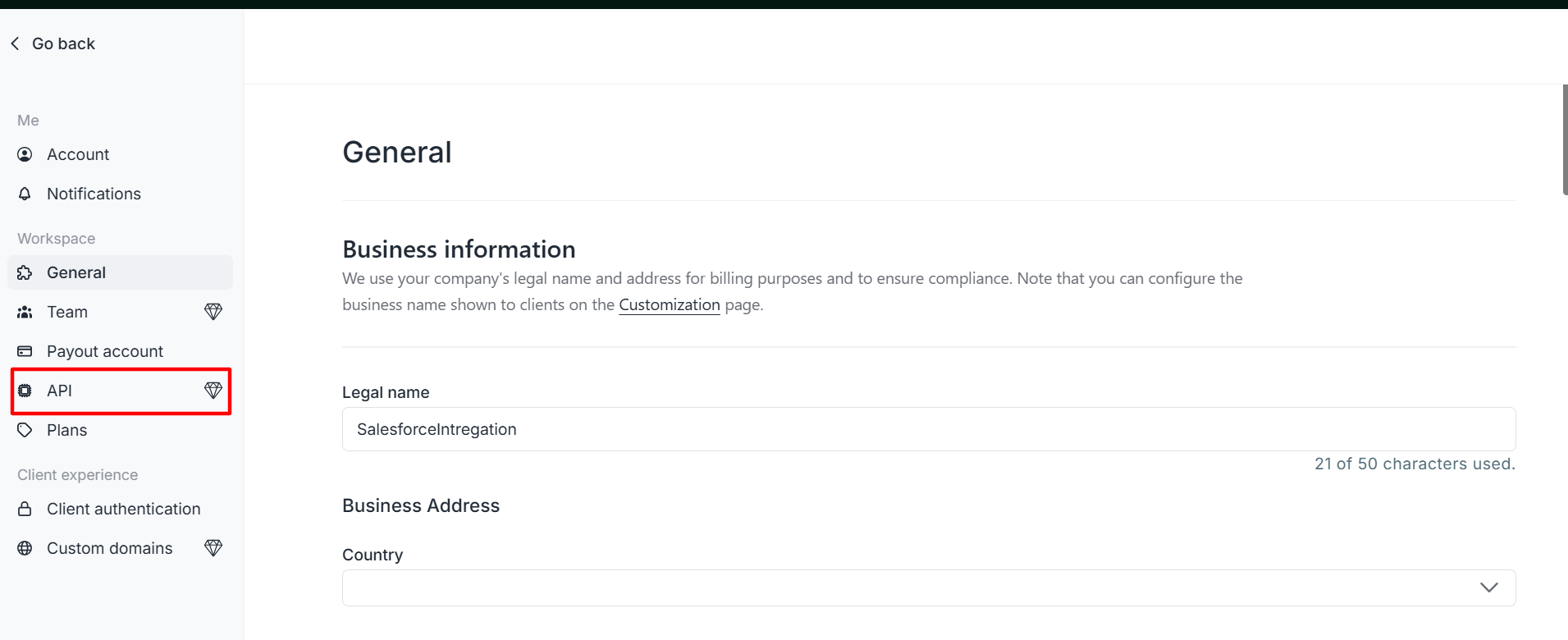
Step 3: After that, click on the “Create” Key.
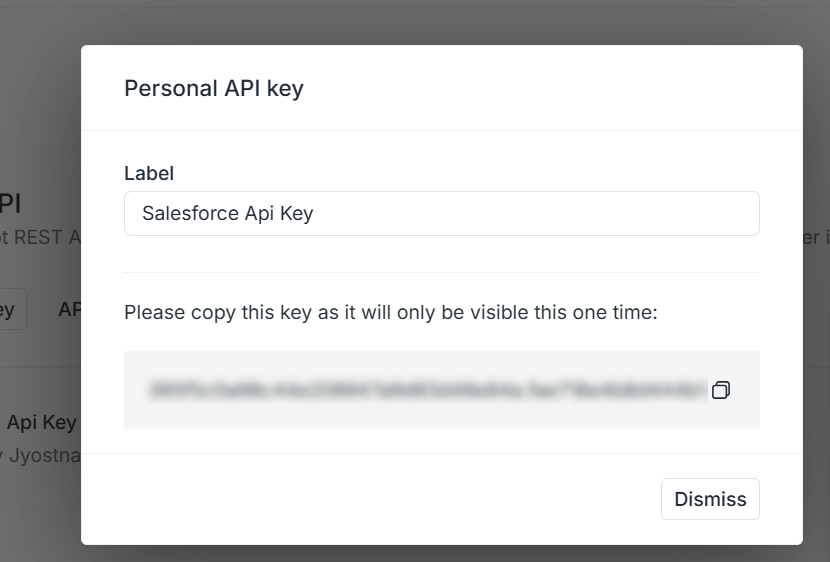
Your Copilot API key has also been created, which will be used in Salesforce.
Note: Please copy the API key as it is visible for just one time.
Steps to Add Base URL in Remote Site Settings in Salesforce
Step 1: Search the remote site settings in Salesforce in the quick find box.
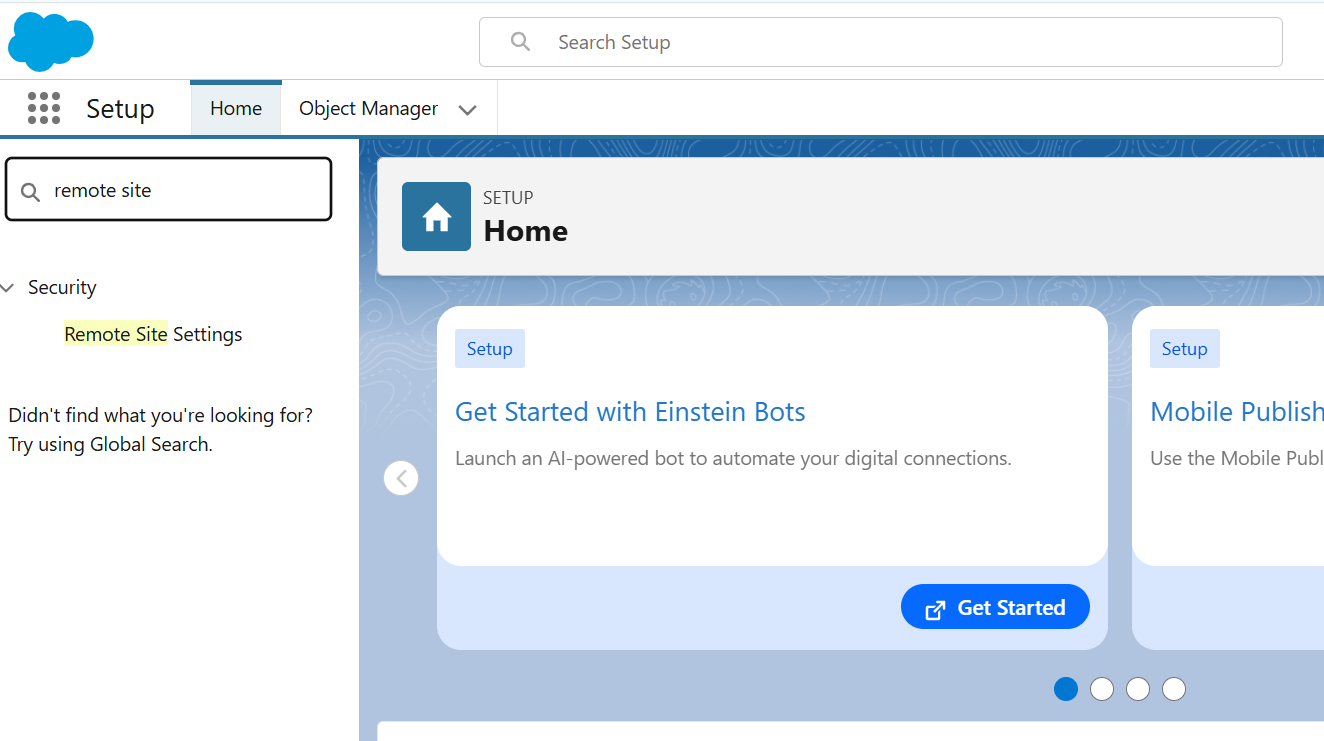
Step 2: Click on remote site settings, and then click new remote site settings.

Step 3: Fill in all the information and click the “Save” button.
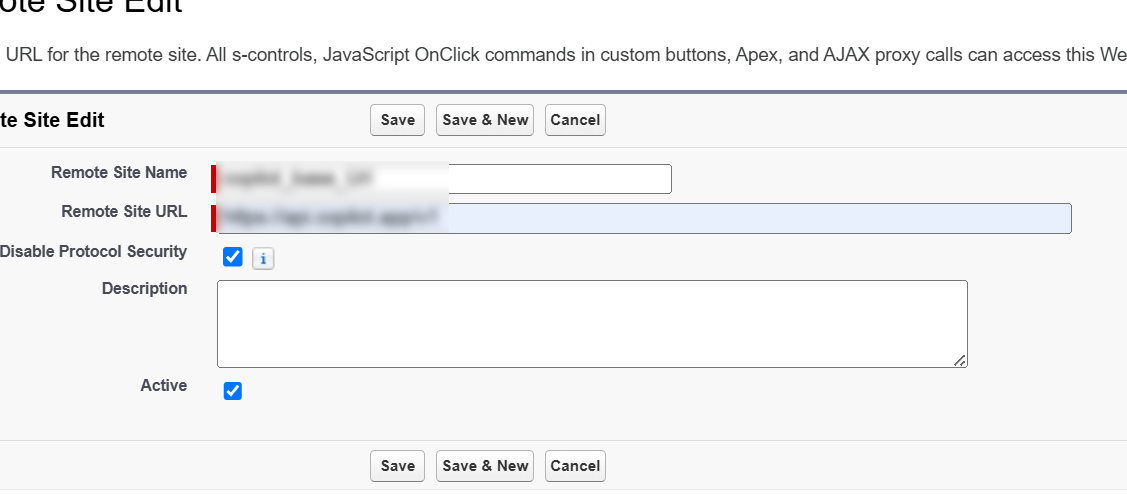
The Copilot base URL will be added in the remote site settings.
Steps to integrate through Salesforce
Method to get all clients from Copilot:-
Method to create a client to Copilot from Salesforce:
Method to Get Companies From Copilot:
Method to create a company from Salesforce to Copilot:
Watch Demo Video
https://www.youtube.com/embed/_jKY1-mO2js?si=o-vzuAoxlDKSQYtq
Conclusion
Integrating Salesforce with Copilot empowers businesses to automate client and company management, reduce API friction, and enhance CRM efficiency. By following the steps outlined above, Salesforce admins and developers can seamlessly connect both platforms and leverage Copilot’s REST APIs for scalable data operations.
Partnering with experts in Salesforce Development Services can further enhance these integrations, ensuring your organization benefits from customized solutions and long-term CRM success. To explore more about such integrations and innovations, check out our other blogs and stay future-ready with AI-driven Salesforce workflows.
Frequently Asked Questions
How to connect Salesforce to Copilot?
You can connect Salesforce to Copilot by using REST APIs or third-party integration platforms. Start by enabling API access in Salesforce, generate authentication tokens, and configure them in Copilot. Once connected, you can sync customer data, automate workflows, and streamline CRM operations directly within Copilot.
How do I integrate Copilot with Salesforce?
Integration involves three main steps:
Authentication – Set up OAuth tokens or API keys from Salesforce.
Configuration – Map fields between Salesforce objects (like leads, opportunities, or contacts) and Copilot.
Testing – Run sample queries to ensure data flows seamlessly.
This setup allows you to automate tasks, analyze insights, and manage client data in real time.
Does Salesforce have a Copilot?
Yes. Salesforce recently introduced Einstein Copilot, an AI-powered assistant integrated into the Salesforce platform. Unlike GitHub Copilot (for coding), Einstein Copilot is designed to help users interact with Salesforce data using natural language, automate tasks, and make AI-driven business decisions.
Does GitHub Copilot work with Salesforce?
Not directly. GitHub Copilot is primarily an AI code assistant that helps developers write code faster. While it doesn’t have a built-in Salesforce integration, developers working on Apex, LWC (Lightning Web Components), or Visualforce can still use GitHub Copilot to speed up coding tasks related to Salesforce development.
What are the benefits of integrating Salesforce with Copilot?
Integrating Salesforce with Copilot helps businesses:
– Automate repetitive tasks (data entry, lead updates, etc.)
– Improve customer management with real-time insights
– Reduce API friction by centralizing workflows
– Enhance productivity through AI-driven suggestions
– Scale operations efficiently without manual intervention