
Integrating AI with Salesforce isn’t just an innovation; it’s a key to smarter, faster support and also a necessity. Whether it’s automating responses or delivering real-time query support, AI-enhanced Salesforce experiences are transforming how teams handle customer and internal queries.
In this guide, we’ll walk you through a step-by-step process to connect Salesforce to OpenAI, empowering your org with smarter, faster, and more intuitive assistance, all powered through a clean Lightning Web Component (LWC) setup.
Step 1: You have to generate the key from AI. Here, we use OpenAI, so you can generate a key for the request.
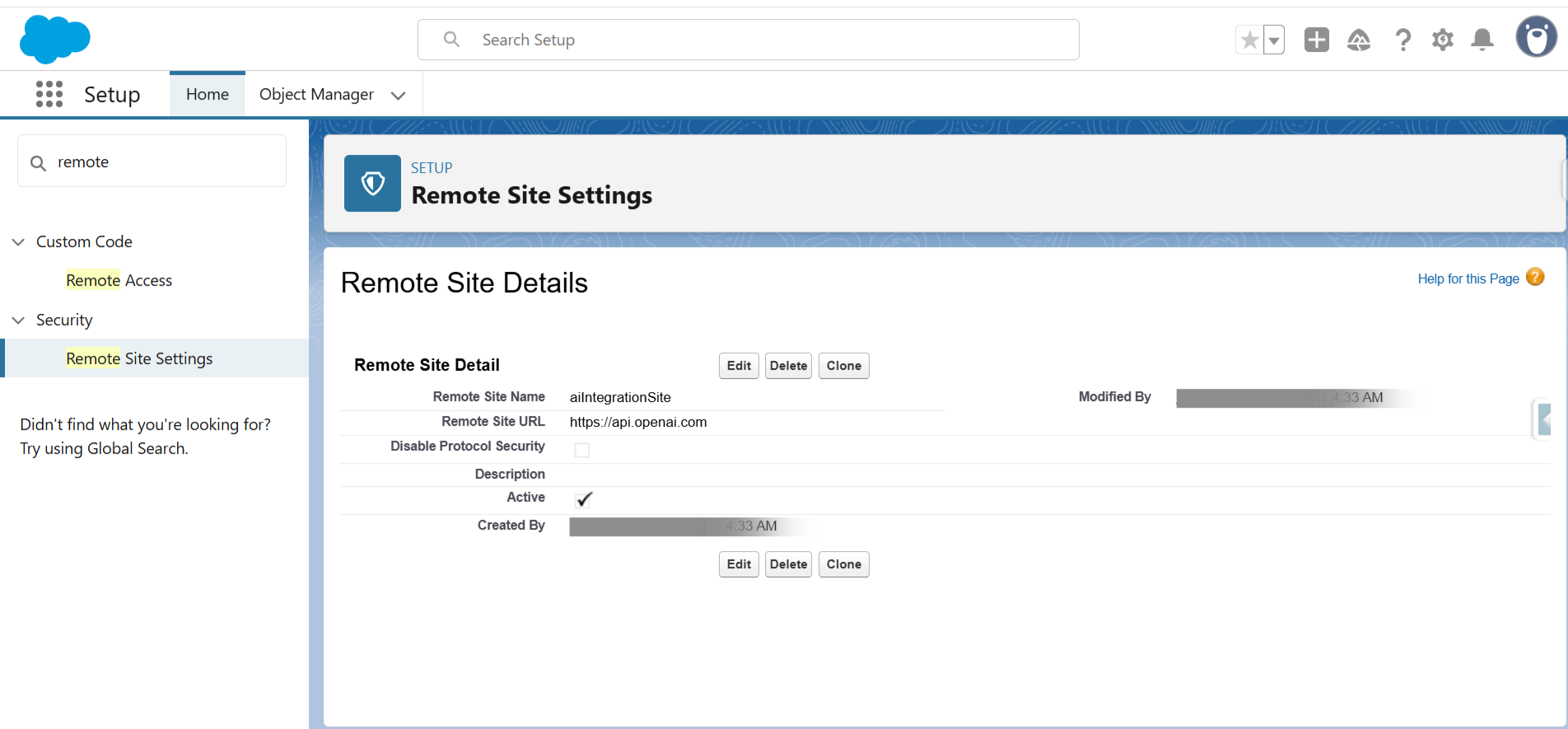
Step 2: You have to create a Remote Site Settings in your Salesforce org of basepoint URL(here, https://api.openai.com).
Step 3: Then, if you want to utilize it, you can create an LWC component and follow the code carefully one by one.
Here are the codes for connecting your Salesforce to AI for help or to query something:
HTML:
aiComponent.html
JS:
aiComponent.js
XML:
aiComponent.xml
APEX CLASS:
For the request, you have to pass the Model, Instructions, and Input.
AIController.cls
Result:
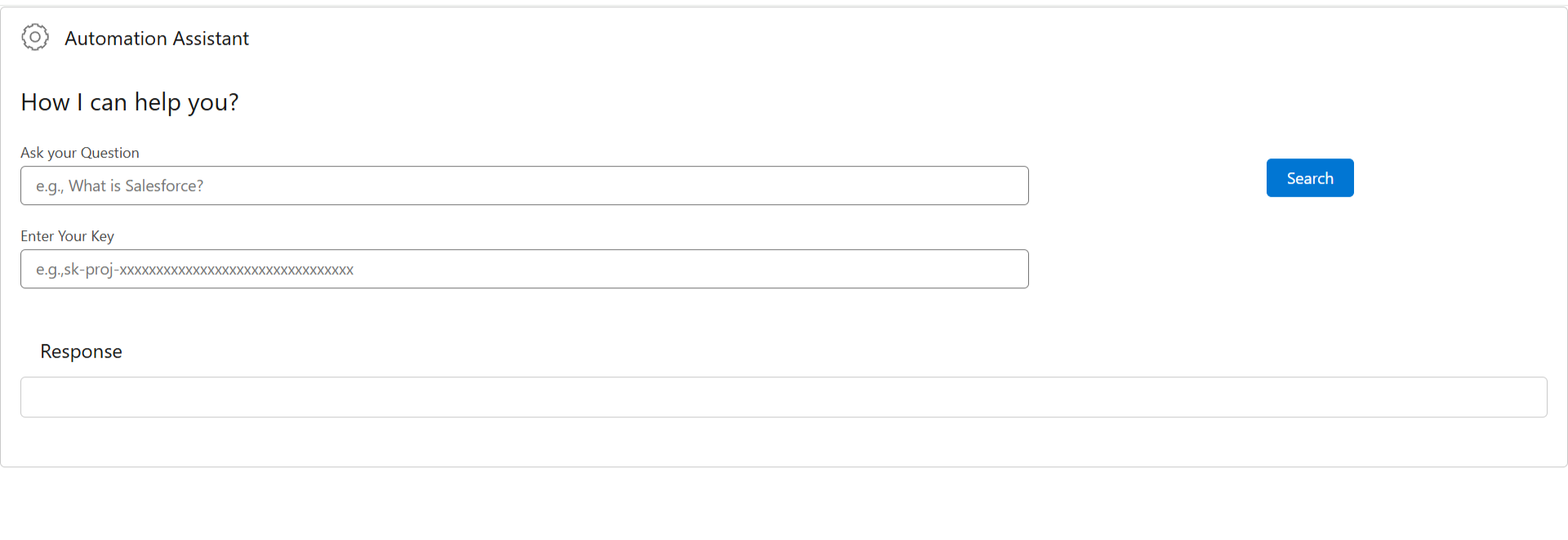
The Component:
Before Search:
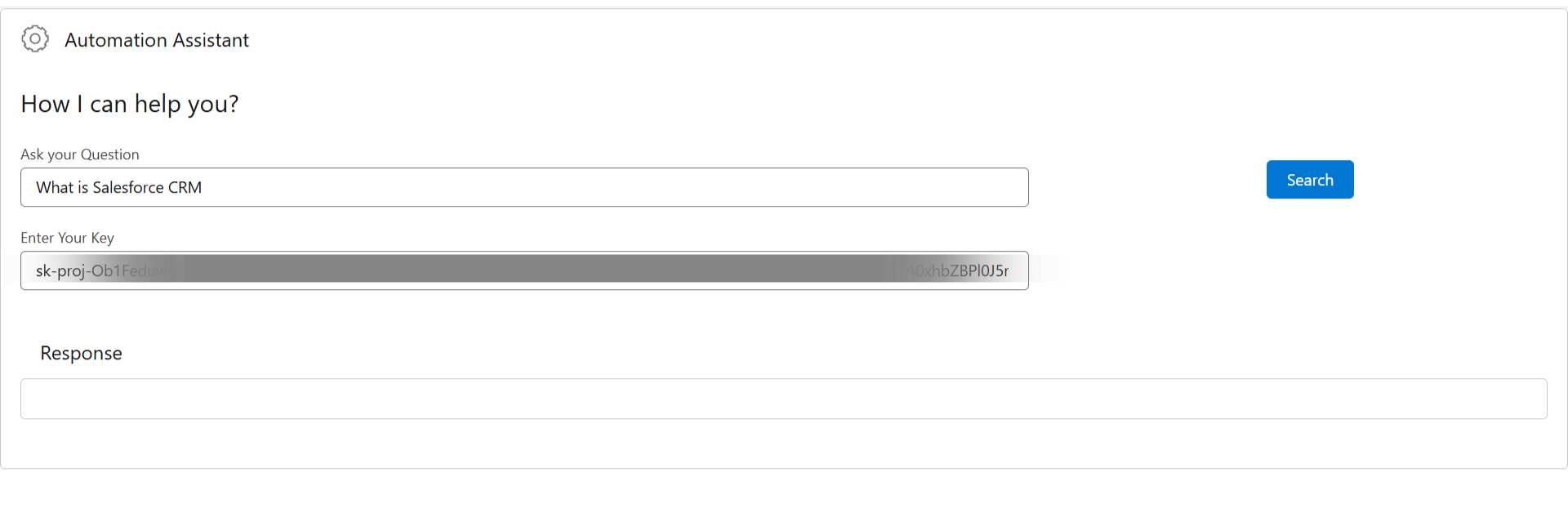
Asking a Query:
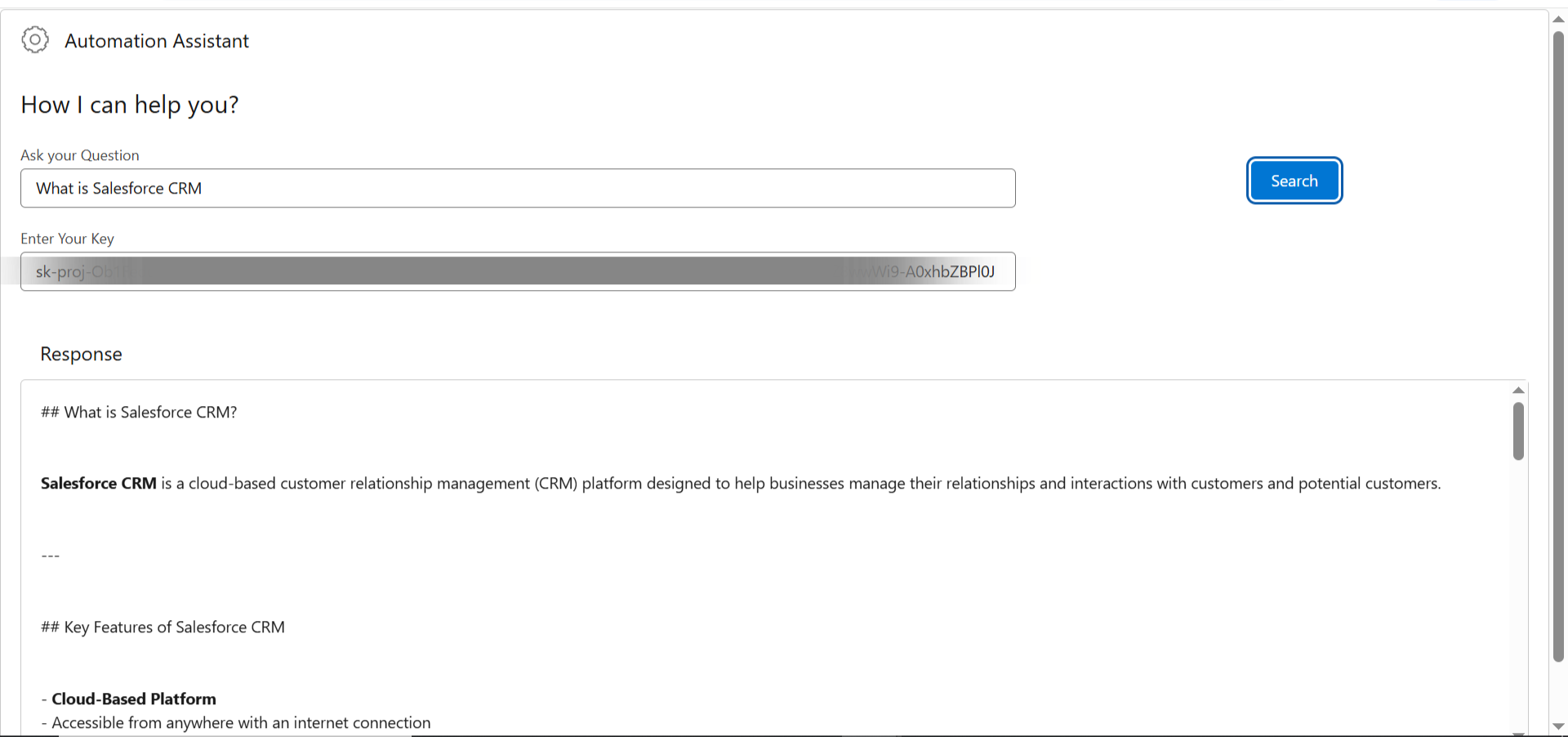
After Search:
Demo Link:
https://hicdemo-dev-ed.my.salesforce-sites.com/aiVFPage
Conclusion
And just like that, you’ve unlocked AI-powered query support within Salesforce! With seamless LWC integration and OpenAI’s capabilities, your org can now streamline user assistance, boost agent productivity, and enable next-gen support right inside your CRM. Whether you’re scaling operations or enhancing internal tools, this setup future-proofs your business for the AI-first era in Salesforce.