Platform events in Salesforce Flow are a great tool for creating real-time, event-driven apps that automate business operations with precision and speed. By integrating Platform Events’ publish-subscribe approach with Salesforce Flow‘s low-code features, you can automate processes, allow real-time system interaction, and optimize how your organization manages dynamic data changes.
This guide will demonstrate how to create Platform Events, leverage them in Flow to automate updates, and build a scalable architecture that can adapt to your changing business demands. Whether you’re automating order updates, synchronizing systems, or sending notifications, this blog will show you how to build robust, real-time solutions within Salesforce.
Unlike traditional record changes, Platform Events:
- They are designed for high-volume, real-time scenarios
- Don’t require a corresponding record in your database
- Can be published and subscribed to by multiple systems simultaneously
- Support a true event-driven architecture
How to Set Up and Publish Platform Events Using Salesforce Flow: Step-by-Step Guide
Learn how to create and publish Platform Events in Salesforce Flow to enable real-time automation across your CRM. This hands-on guide walks you through building a platform event, setting up Flow triggers, and pushing live updates. Ideal for developers and admins looking to build event-driven architecture in Salesforce.
Step 1: For creating a platform event, navigate to Setup → Platform Events → New Platform Event.
For this demo, we have created a platform event “Order Update” and a custom object “Custom Order.”
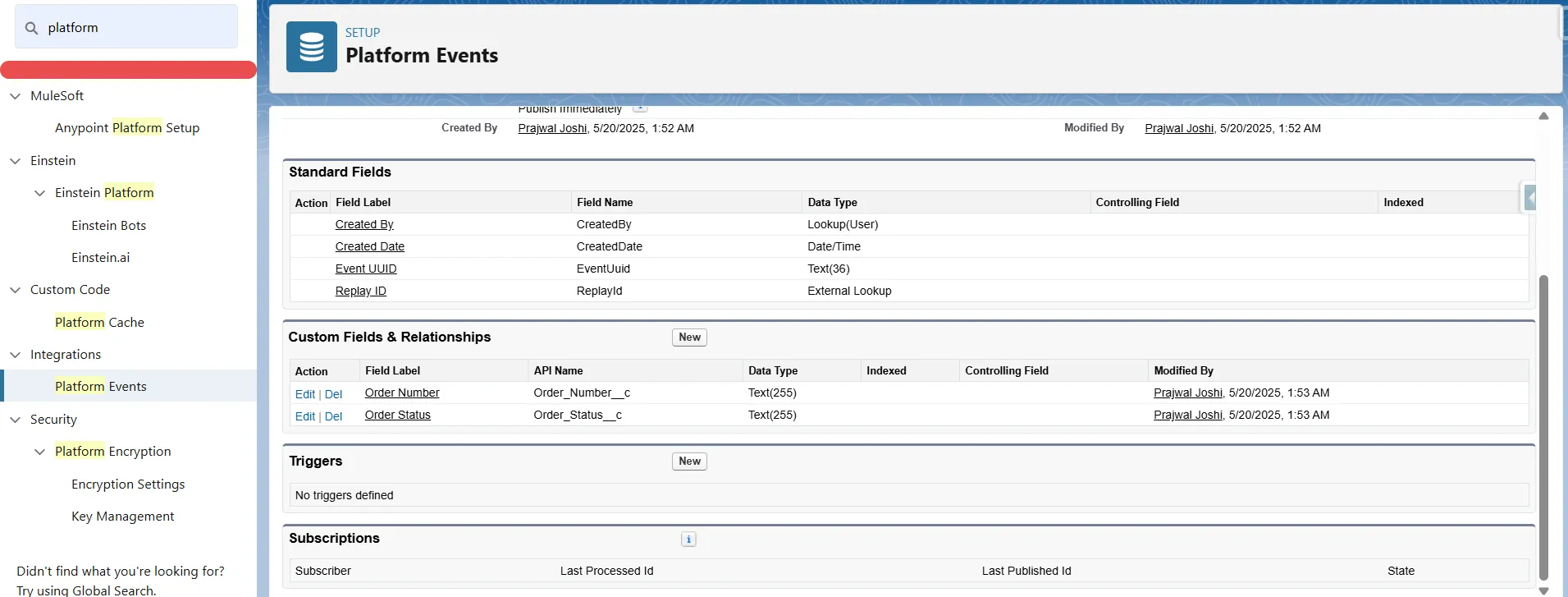
Step 2: In the platform event, now we can create new fields “Order Number” and “Order Status.”
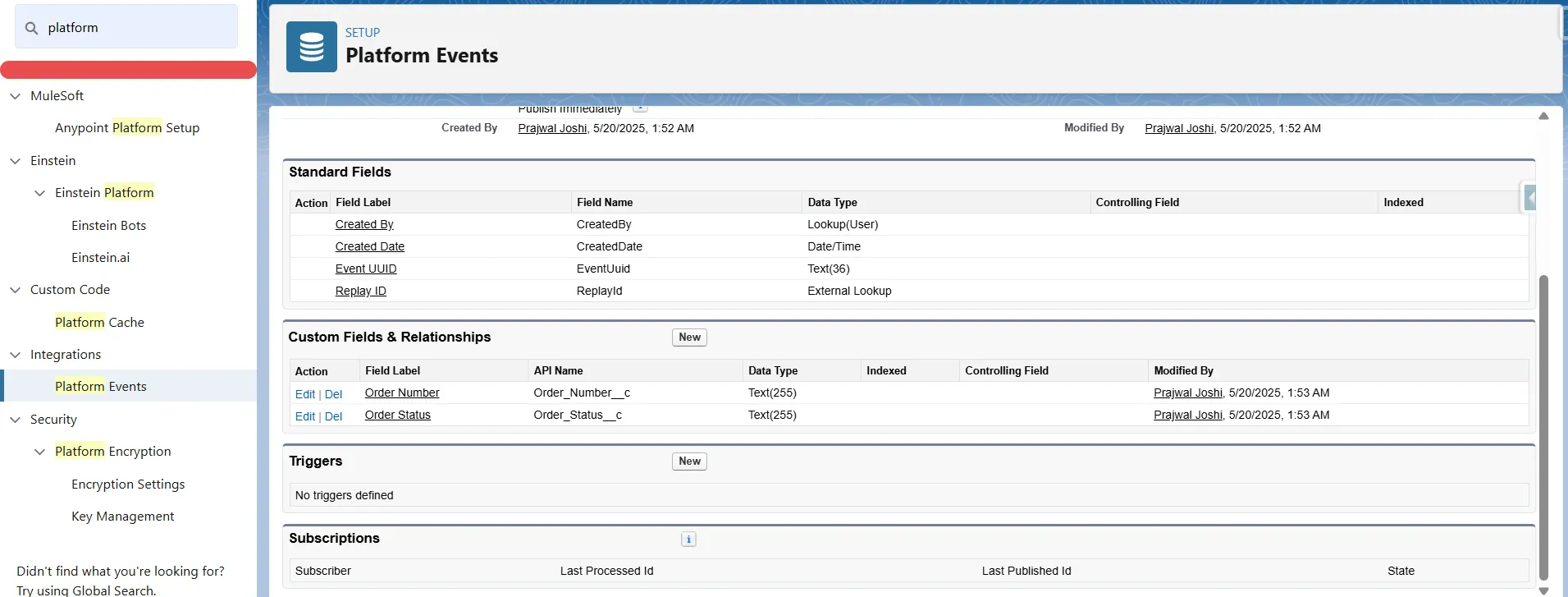
Step 3: Now, we can create our flow to publish this platform event when the order status field in the custom order record is updated.
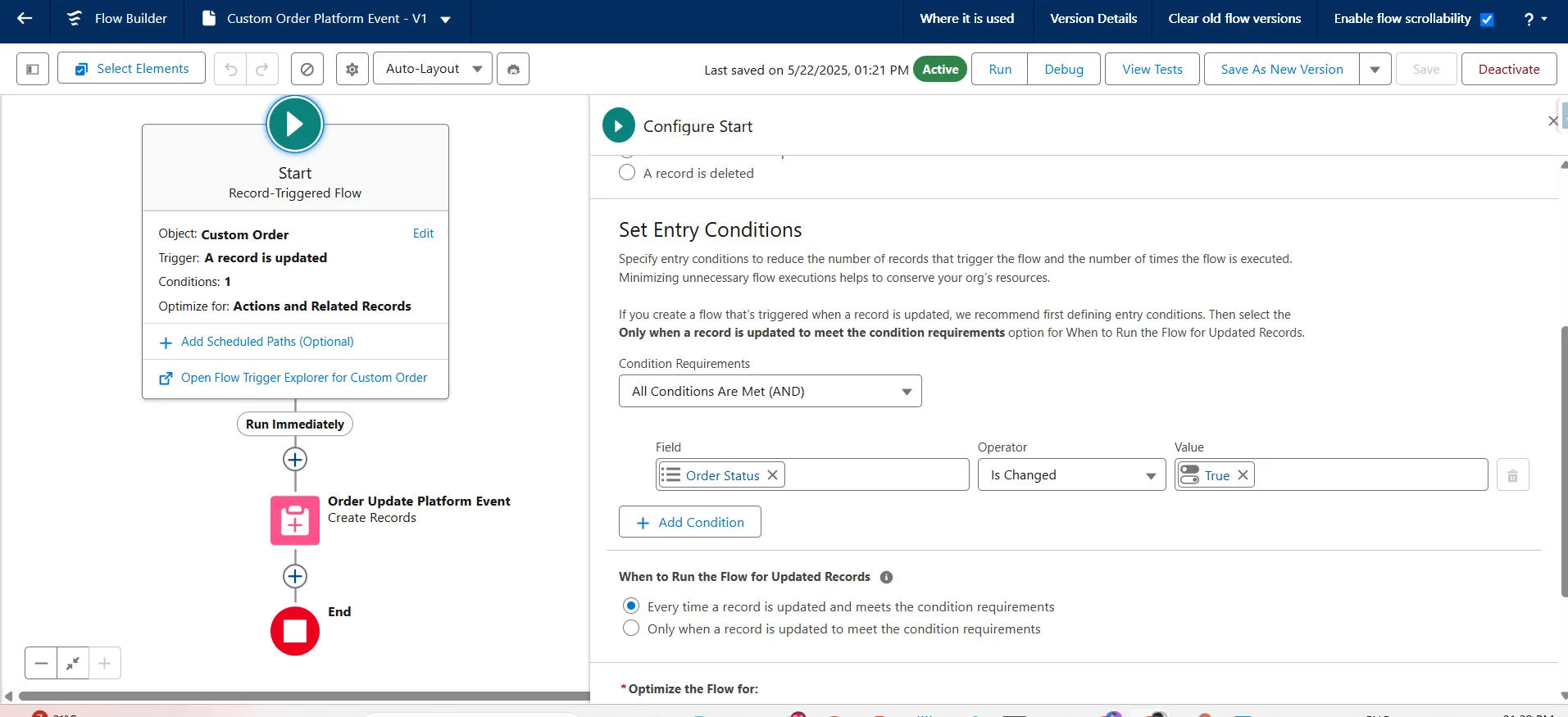
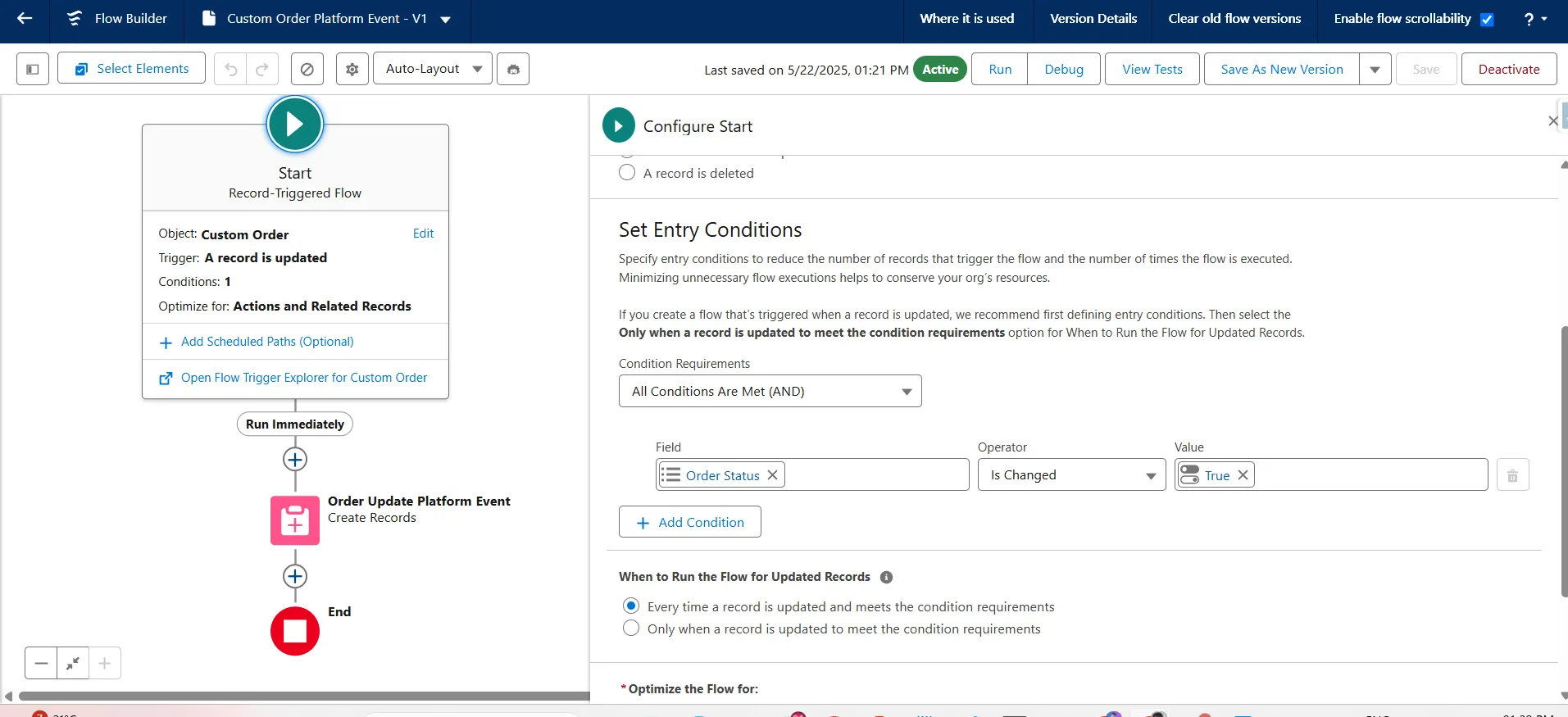
Step 4: After publishing the platform event, we can subscribe to or listen to it easily internally and externally.
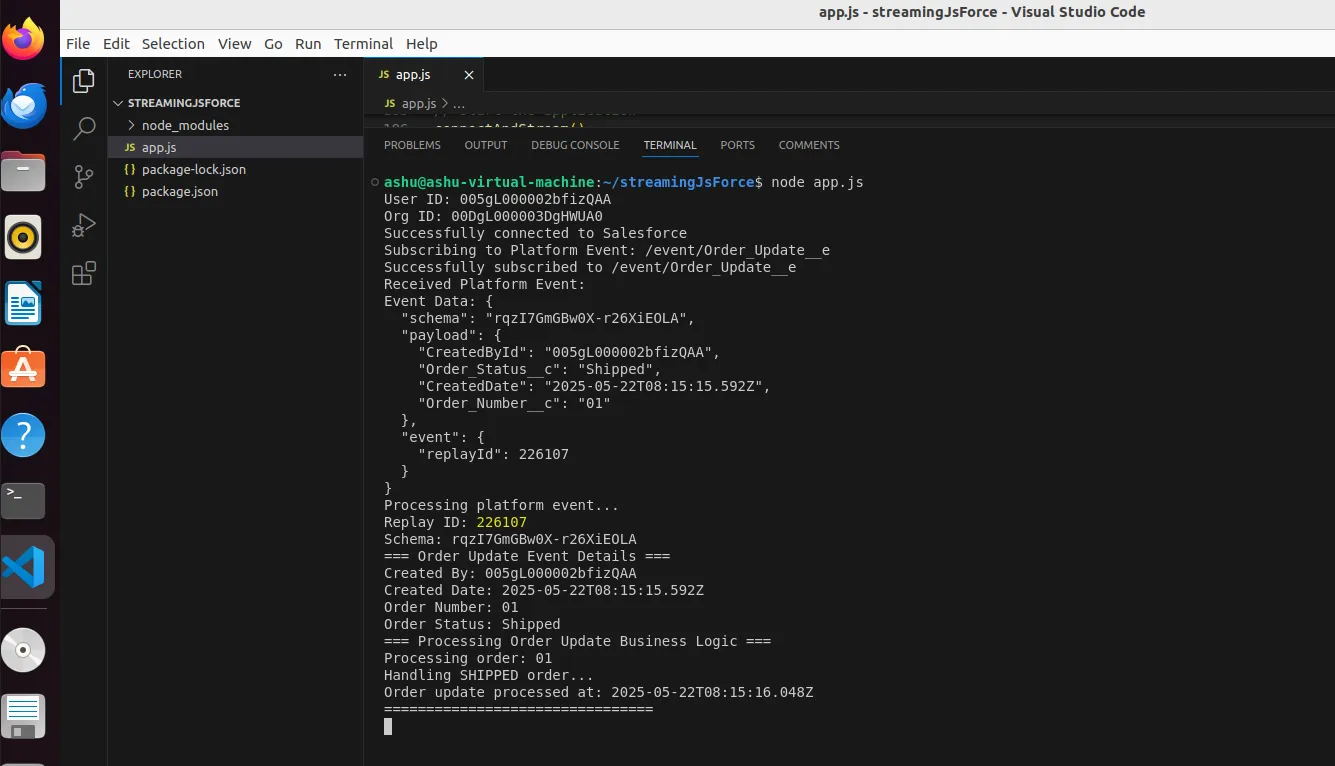
Like here, I have set up a server to listen to the published changes.
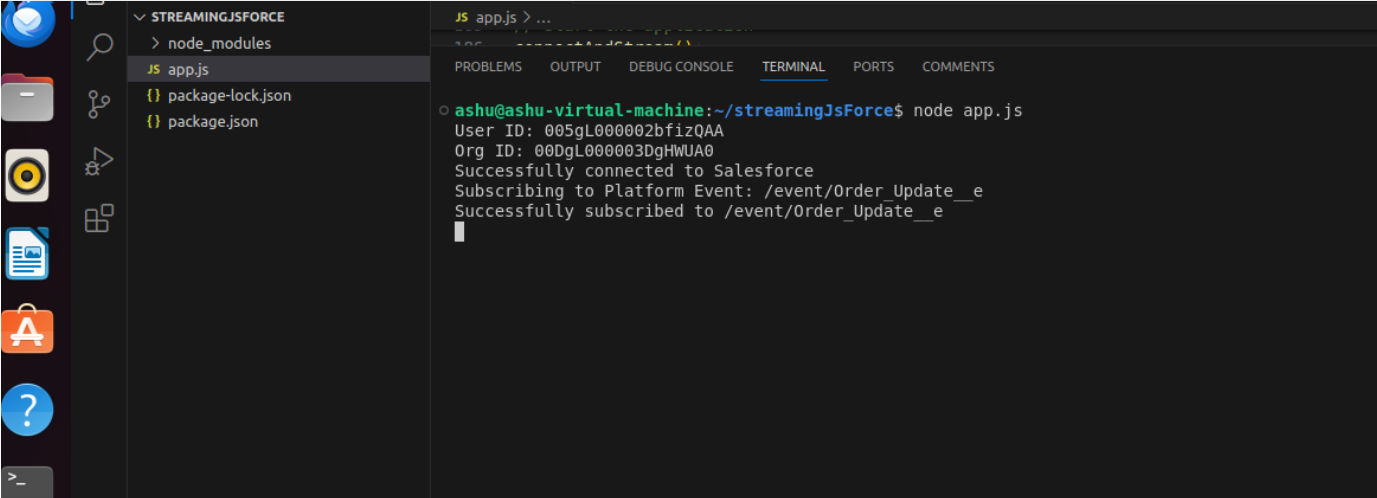
Step 5: Now, if we will do any updates to order status in Salesforce, then the flow will publish a platform and this server will listen to that, and log the event with its payload.
Here is a demo example:
Updating order status to shipped:
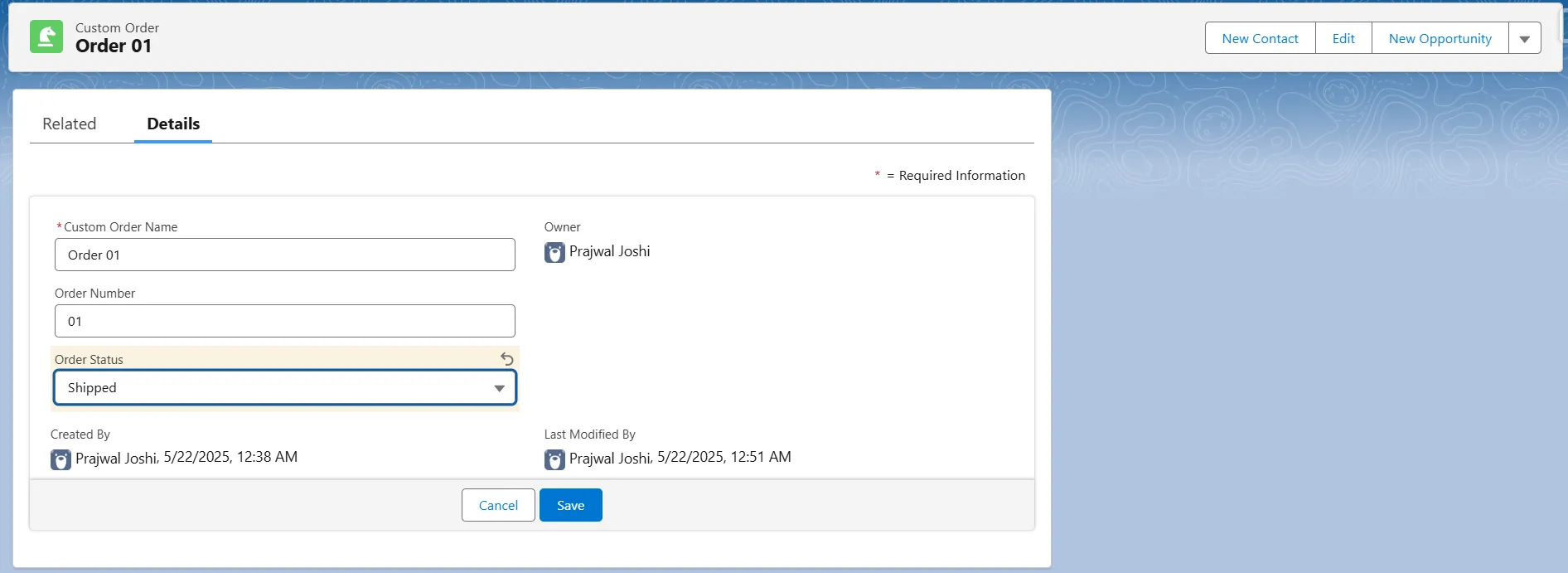
Getting real-time updates on the server:
Here’s the demo link:
https://youtu.be/XKvEcmVVF9I
Conclusion
Integrating Platform Events with Salesforce Flow is a game changer for creating responsive, real-time apps. This design streamlines operations and improves data visibility by allowing for the publication of custom events and quick system notifications. This pattern enables scalable automation for order updates and crucial workflow events. Begin utilizing Platform Events immediately to future-proof your Salesforce automation approach!
Want to go further? Visit our blog post on “Building Complex Workflow Automation with Clicks, Not Code, but with Salesforce Flow” to advance your no-code automation skills.