



Einstein Activity Capture is a Salesforce Integration tool that allows you to effortlessly sync your Google Calendar with Salesforce. Einstein Activity Capture also includes activity metrics that can assist Salesforce users in making better decisions. So, if you have been thinking of connecting your Google Calendar with Salesforce, you have arrived at the right place! Today, we will take you through the no-code integration solution of Google Calendar and Salesforce for you to connect your Google Calendar with Salesforce in just a few steps. Let us begin!
Sync Google Calendar with Salesforce using Einstein Activity Capture
Step 1- Login into SalesForce Account And Enable the Einstein Activity capture tool
Go to setup and type Einstein Activity capture in the quick find box and select the setting in the Einstein Activity capture as shown below.
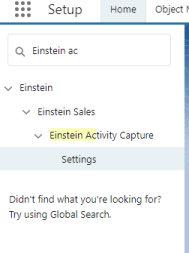
Now, From the setting tab, select Einstein Activity Capture and enable it as shown below.
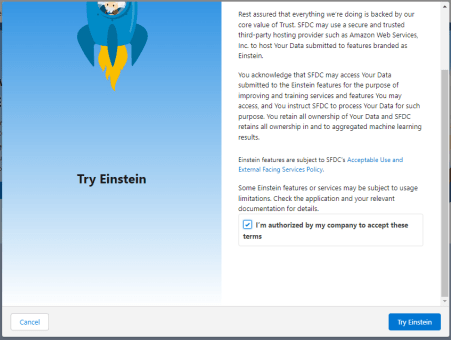
After enabling Einstein Activity Capture, Select Google G suit as shown below.

After selecting the Google G suit assign the user and profile in the Einstein Activity Capture Configuration as shown below.
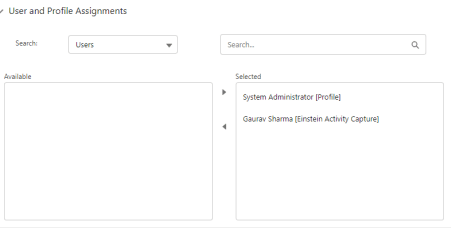
After selecting the Google G suit configure all steps as shown below
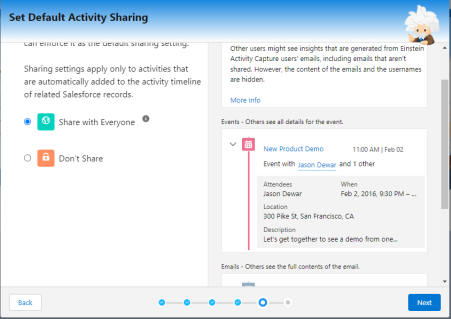
Step 2: Once you have enabled the Einstein Activity Capture, now you need to assign user permissions with the below-mentioned steps:
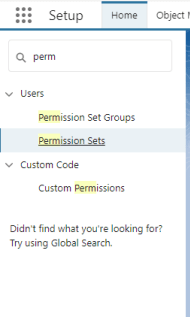
Go to setup and Type Permission set in the Quick Find box.
In the Permission set select Standard Einstein Activity Capture as shown below.
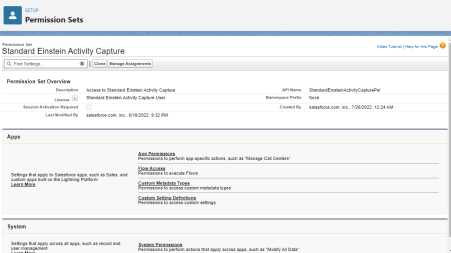
After selecting Standard Einstein Activity Capture Then Go to Add Assignment as shown below
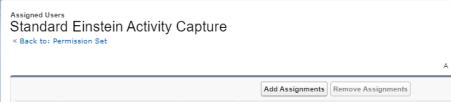
After adding an assignment select the user as shown below
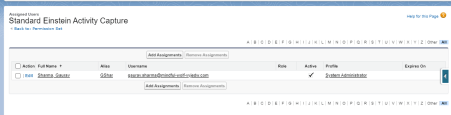
Step 3 – Connect your Gmail Account following these steps as shown below
Go into the profile setting in the top left corner and type email in the Quick find box as shown below
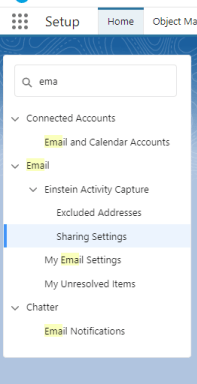
Now select Connect Account in the sharing setting as shown below
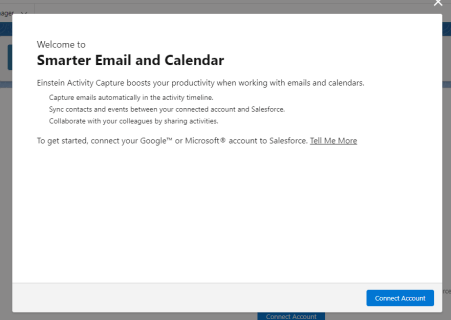
Now Select Connect my Google Account and enter your Gmail Account
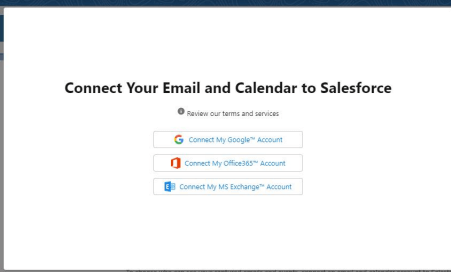
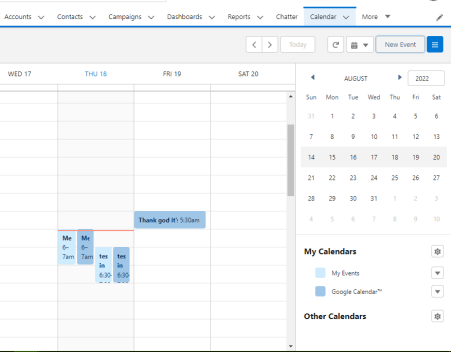
After entering the Email your SalesForce org will be connected to your Gmail account and it will sync the task and event. You can check it as shown below.
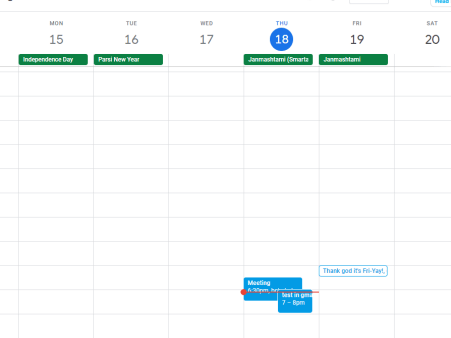
Here you can see the same events showing in your Gmail account as shown below.
Benefits of Setting Up Google Calendar Salesforce Integration:
- Google Calendar Salesforce Integration saves time by eliminating the need to enter data into two different systems. The data is updated in one system and then automatically reflected in another.
- Google Calendar Salesforce Integration improves coordination among the team members and makes it easy to organize meetings for all types of events.
- Google Calendar Salesforce Integration enables you to correlate an event with a Salesforce item using the Log Event feature. Using this feature, the selected Calendar Event will be displayed alongside the account in Salesforce.
Conclusion
There you have it, the no-code solution to sync Google Calendar with Salesforce!
If you want this solution implemented into your Salesforce org, or need assistance in any other Salesforce project, then get in touch. Also, don’t forget to share your feedback with us if you try this solution, and stay tuned for another development solution coming soon!





